Remove Nodes
Mac
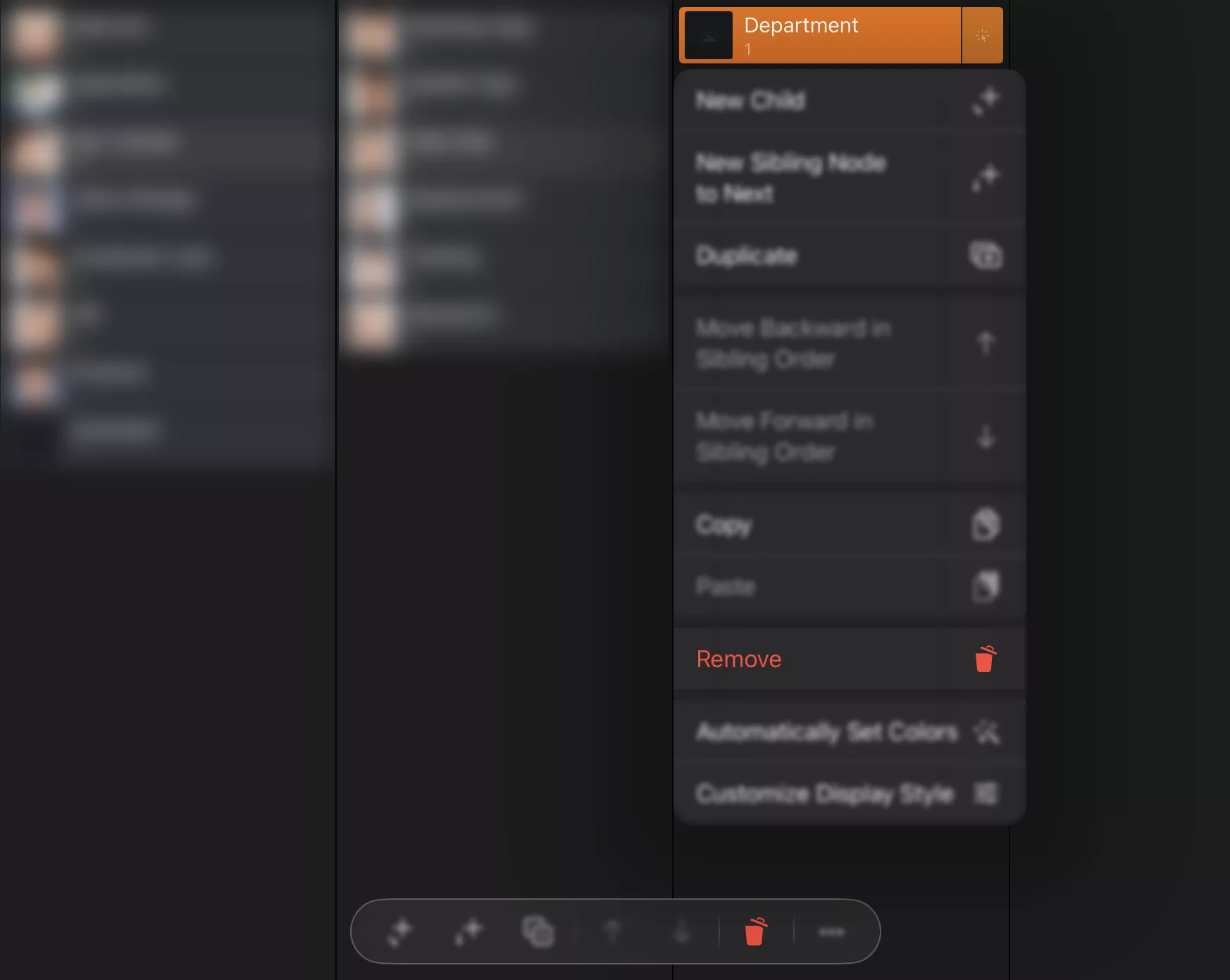
Select a node and press the "⌫" key to remove it and its children. You can also remove a node using the Remove button, the context menu, and the App menu.
Keyboard shortcut
Press the "⌫" key to remove the selected node and all its child nodes.
iPhone, iPad and VisionPro
Select a node and remove it and its children via the context menu or on the action bar.