Apply Styles to Entire Branches
Streamline your org chart creation by applying the same display styles to a whole branch of nodes at once. A branch encompasses all descendants of a selected node, creating consistency and saving valuable time.
Apply Specific Styles to Children
Need to adjust color, shape, size, layout, line style, or field visibility for all children of a specific node? Here's how:
Appearance & Layout
- Select the desired branch's root node.
- Click/tap the button on the top-right corner of the relevant style element (e.g., color picker for color).

Field Visibility
- Select the desired branch's root node.
- Click/tap the 'tree' button on the top-right corner of the field you want to show/hide.
- Choose the desired visibility from the menu.
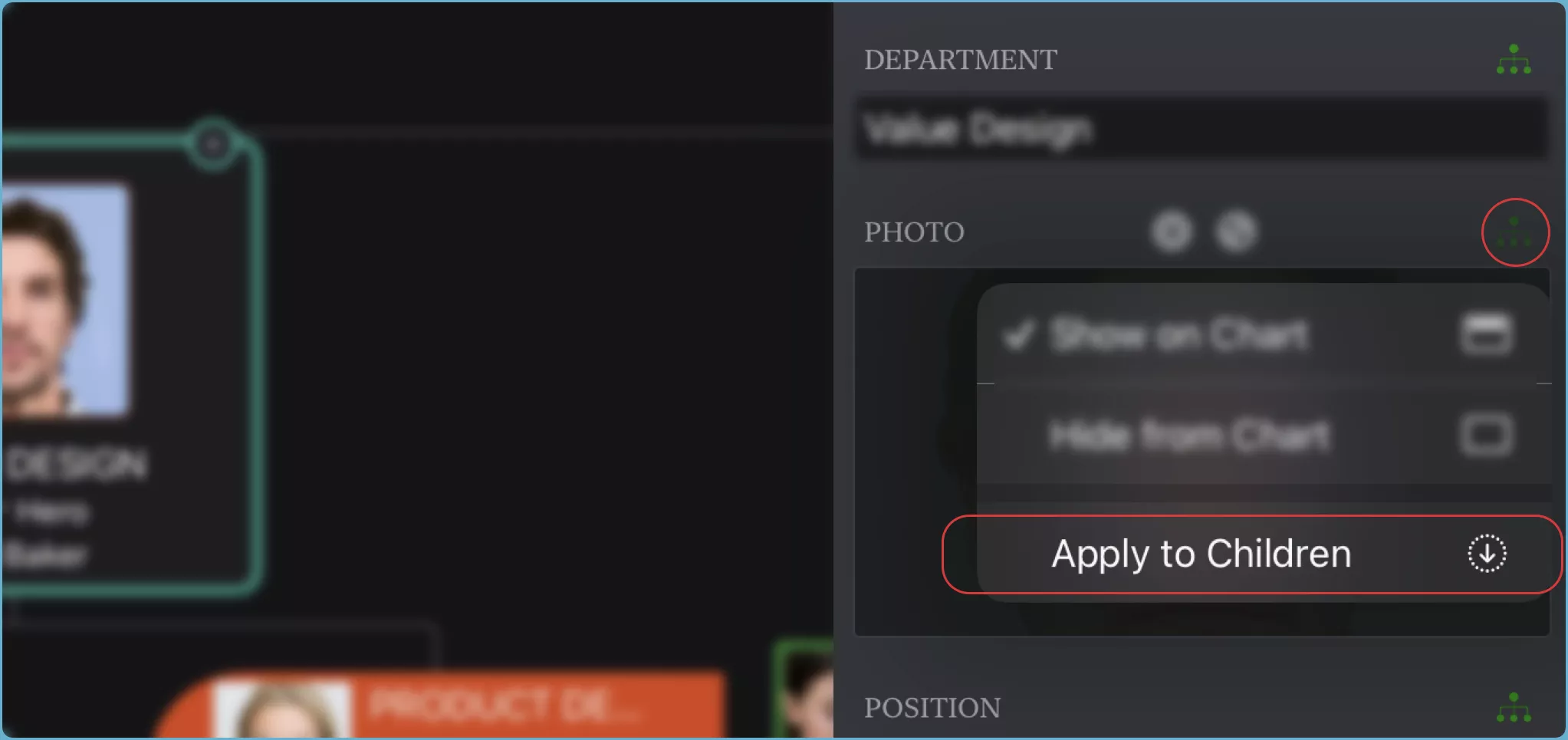
Apply All Styles to Children
Effortlessly apply all display styles (including color, shape, size, layout, line style, and field visibility) to an entire branch.
- Node Design: Set colors, shapes, and sizes for nodes.
- Node Arrangement: Choose layouts and connector line styles.
- Display Content: Control field visibility on all nodes.
Mac
Right-clickorCtrl+clickon a node that represents the root of the branch that you want to style, to show the context menu. Navigate to the menu "Apply Styles to Children".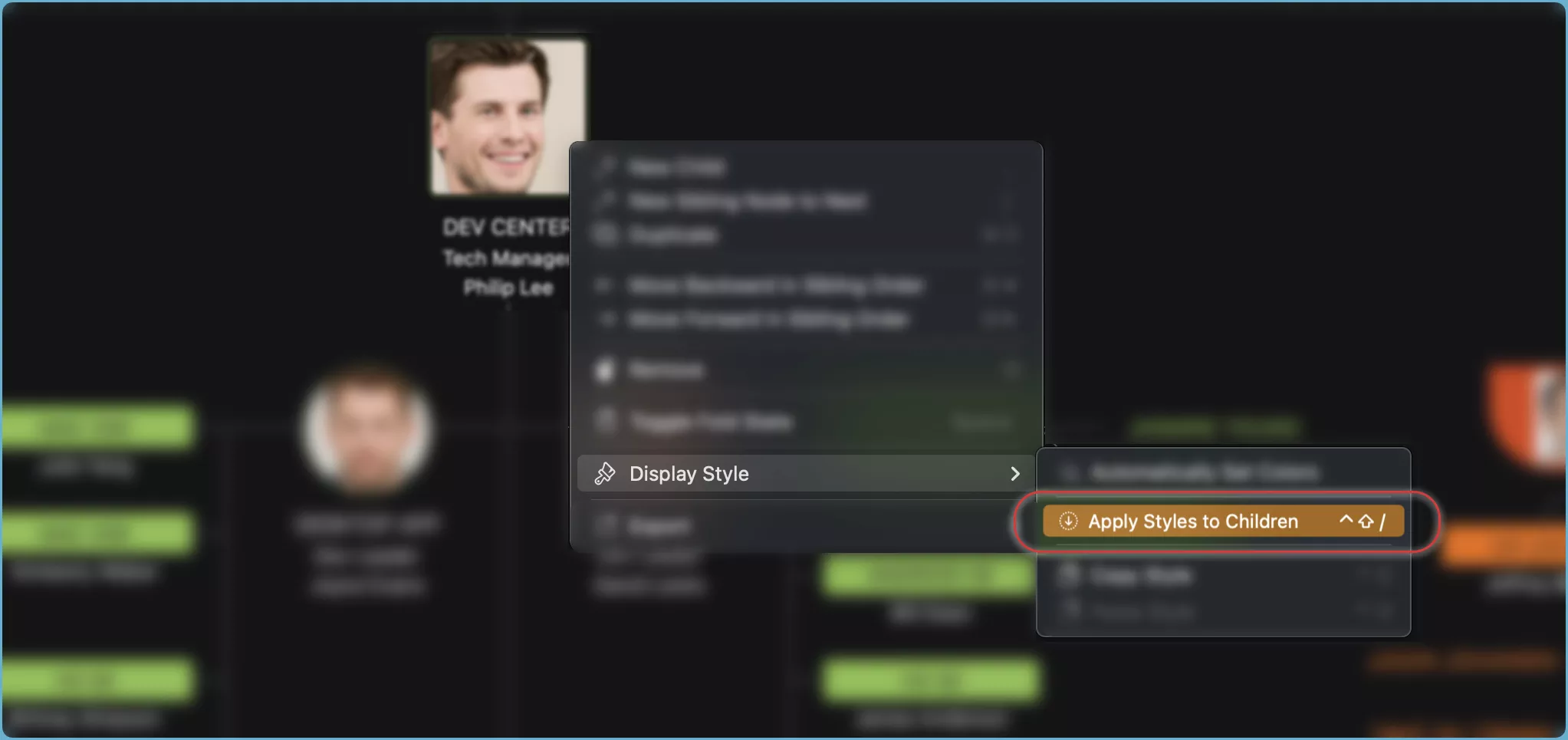
- Alternativly, select a node that represents the root of the branch that you want to apply styles, then press the
Option+/keys (⌥/) to apply all the display styles to the branch.
iPhone, iPad and VisionPro
- Select a node that represents the root of the branch that you want to style.
- Tap the "..." button on the
action bar. - Choose "Apply Styles to Children" from the menu.
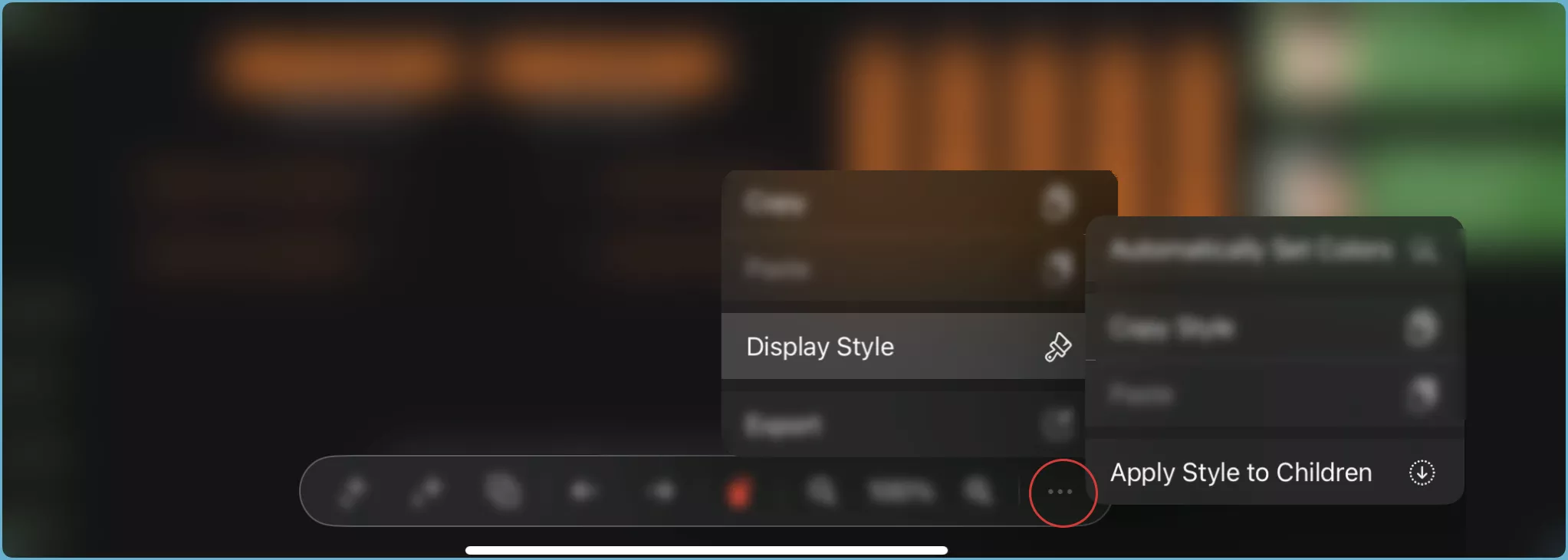
Remember: All styles of the selected node will be applied to its entire branch.
Copy/Paste Display Styles
Replicate your preferred styles across different branches or charts with ease using copy/paste functionality. See details on copy-paste.